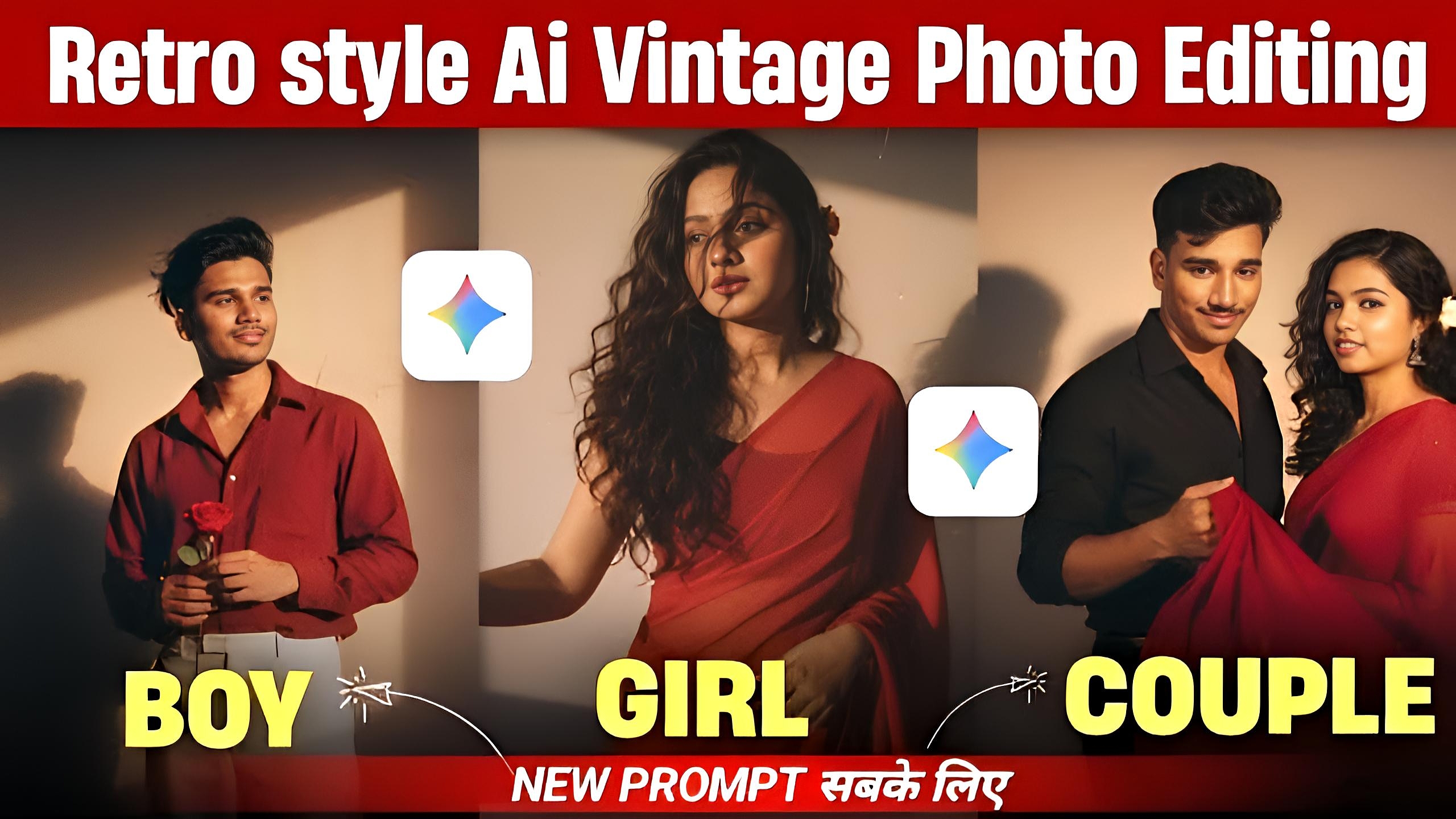
Google Gemini Retro Style Vintage AI Photo Editing – In today’s AI world, editing photos has become easier than ever. Many people now prefer using AI photo editors like Google Gemini to give their pictures a creative and professional look. One of the most trending editing styles is the retro vintage effect. These old-school vibes make photos look unique, nostalgic, and classy. If you are searching for the best Google Gemini vintage photo editing prompts, then this guide will help you create perfect edits.
What is Retro Style Vintage AI Photo Editing?
Retro or vintage photo editing is a style where modern images are transformed into old-fashioned pictures. It gives your photo a feel of the 70s, 80s, or 90s with soft colors, grain effects, and classic tones. Many Instagram influencers and photographers are now using vintage AI effects to make their content stand out.
With Google Gemini AI, you don’t need professional editing skills. Just type the right AI prompts, and your image will instantly get a vintage look.
Why Use Google Gemini for Vintage AI Photo Editing Prompts?
Google Gemini AI is one of the most powerful AI tools for text, image, and video generation. For photo editing, it works perfectly because:
- It understands natural language prompts.
- It creates high-quality images with realistic vintage tones.
- It allows multiple variations of the same style.
- It is faster compared to manual editing in apps like Photoshop.
If you want to give your selfies, travel photos, or portraits a retro vibe, then Gemini AI is a perfect choice.
Best Google Gemini Retro Vintage AI Photo Editing Prompts
Here are some ready-to-use AI prompts that will help you create classic retro edits using Google Gemini:
1. Classic 80s Film Look
“A portrait photo with soft yellow tones, film grain, faded colors, and vintage camera effect, inspired by 1980s retro photography.”
2. Old Polaroid Style
“A square photo with faded pastel tones, white border, and soft blur effect, like an old Polaroid picture from the 90s.”
3. Black & White Retro Effect
“A retro black and white portrait with deep shadows, film scratches, and vintage Hollywood style lighting.”
4. Sepia Vintage Look
“A photo with warm sepia tones, slight texture, and old newspaper style photography effect.”
5. Retro Travel Poster Style
“A vintage travel poster design with bright colors, grainy effect, and classic typography from the 70s.”
Tips for Getting Perfect Retro AI Photos
- Use clear subject photos (face, object, or background).
- Add specific years/decades (70s, 80s, 90s) in your prompt.
- Mention editing details like film grain, scratches, sepia, faded colors.
- Try different variations to get the most natural vintage effect.
- Combine retro backgrounds like old cars, cassette players, vintage rooms, etc.
Conclusion
Google Gemini is not just a text-based AI but also a powerful AI photo editor. By using the right prompts, you can easily create retro vintage edits that look professional and stylish. Whether you want old-school Instagram photos, a classic retro poster, or a nostalgic black-and-white effect, Gemini can do it in seconds.
If you love experimenting with AI, then try these Google Gemini vintage prompts and bring timeless retro vibes into your pictures.
