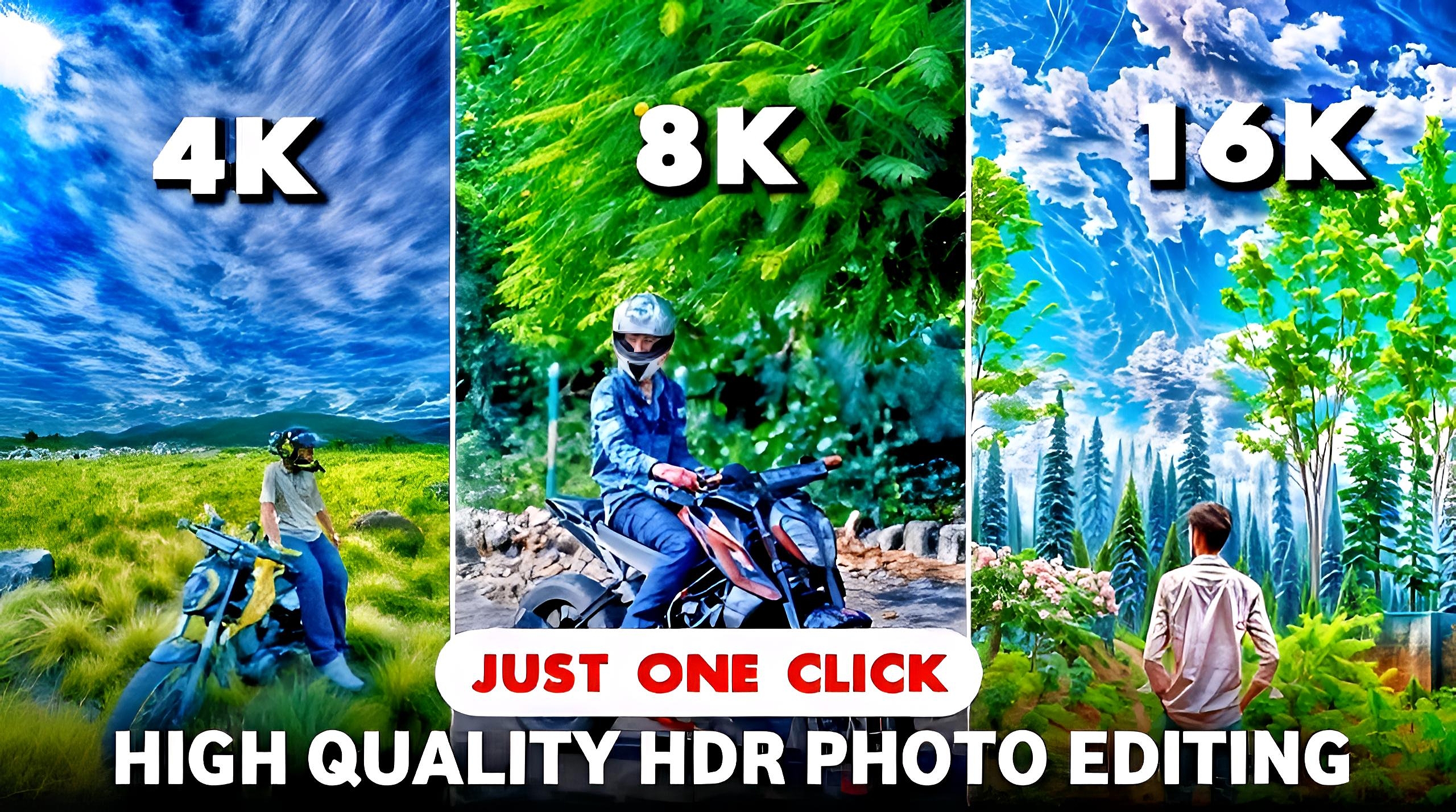
16k Photo Editing: How can you edit your ordinary photo in 16K quality. You must have seen many photos edited in 16K on your Instagram, in which you find the photos very beautiful to look at. Uploading photos in 16K on Instagram is quite popular and famous.
Through this article, I am going to tell you about the quality of photos in 16K, this is a trending method of photo editing. Which app to use for this and how you can convert your ordinary photo into 16K quality. We are going to give you all the information in such an article.
What is 16k Photo Editing?
High quality photo editing is always trending on social media. The quality of the photo in this 16K editing is very smooth to look at. If you want to edit photos in 16K, then you will have to take the help of Ai tool, you will not get this quality without AI tool, you will get such editing only on Ai tool.
For this, you can edit with Remini mobile app, or you can also increase the quality of the photo through adobe’s photo enhancer website. You can also change the quality of the photo to 16k with kera ai tool. We have told you about the method of editing the photo in 16K with Kera.ai tool. We are going to give you all the information in such an article.
How To Do 16k Photo Editing?
- We have told the step by step method about editing the photo in 16k Photo Editing, by following which you can easily convert your photo into 16k Photo Editing. This method is as follows.
- First of all you have to search Kera.ai website on Google in your mobile.
- After which click on the website, and the main page of the website will open.
- Now you have to create an account on the website with your email ID. Step 4 – Now after signing up, you will see 3 options, in which you have to click on the Enhance option.
- After which a new page will open, in which you have to click on the drag and drop option. After which you have to select the photo from your phone’s gallery. Which you want to edit in 16K.
- Now wait for the photo to be uploaded, after which you will see many options for the quality of your photo, in which you have to choose one option from options like 2k, 4k, 8k, 16k.
- Now click on the Enhance option of your photo and your photo 16K photo editing will start.
- Now you have to wait for a while. After which the quality of your photo will increase.
- Now you can download your photo by clicking on Download. After which you can share the photo on social media platforms.
What are The Benefits of 16K Photo Editing?
You can get a lot of likes and followers from social media by editing your photo in 16K. You can edit high quality photos in a very short time with the help of Ai. Along with this, you will also get information about making high quality photos. The trend of editing photos in 16K is a very popular trend. Editing photos in this makes the photo look very attractive. Due to which people like you after seeing your photo. If you want to convert your photo into 16K, then you can easily increase the quality of the photo by using kera.ai tool and remini mobile app.
Conclusion
In this article we have told about 16K photo editing, you can increase the quality of your photo by reading the article. We have told this method only after searching on the internet.
